UBUYONE%C2%AE
Wireless Presentation Clicker PowerPoint Presenter Remote: Rechargeable Green Laser Pointer Clickers for Computer/Mac/PPT/Slideshow/Google Slide Advancer
Couldn't load pickup availability
Overview
- Brand : UBUYONE
- Special Feature : Ergonomic
- Color : Black
- Compatible Devices : Computer
- Connectivity Technology : Radio Frequency
About this item
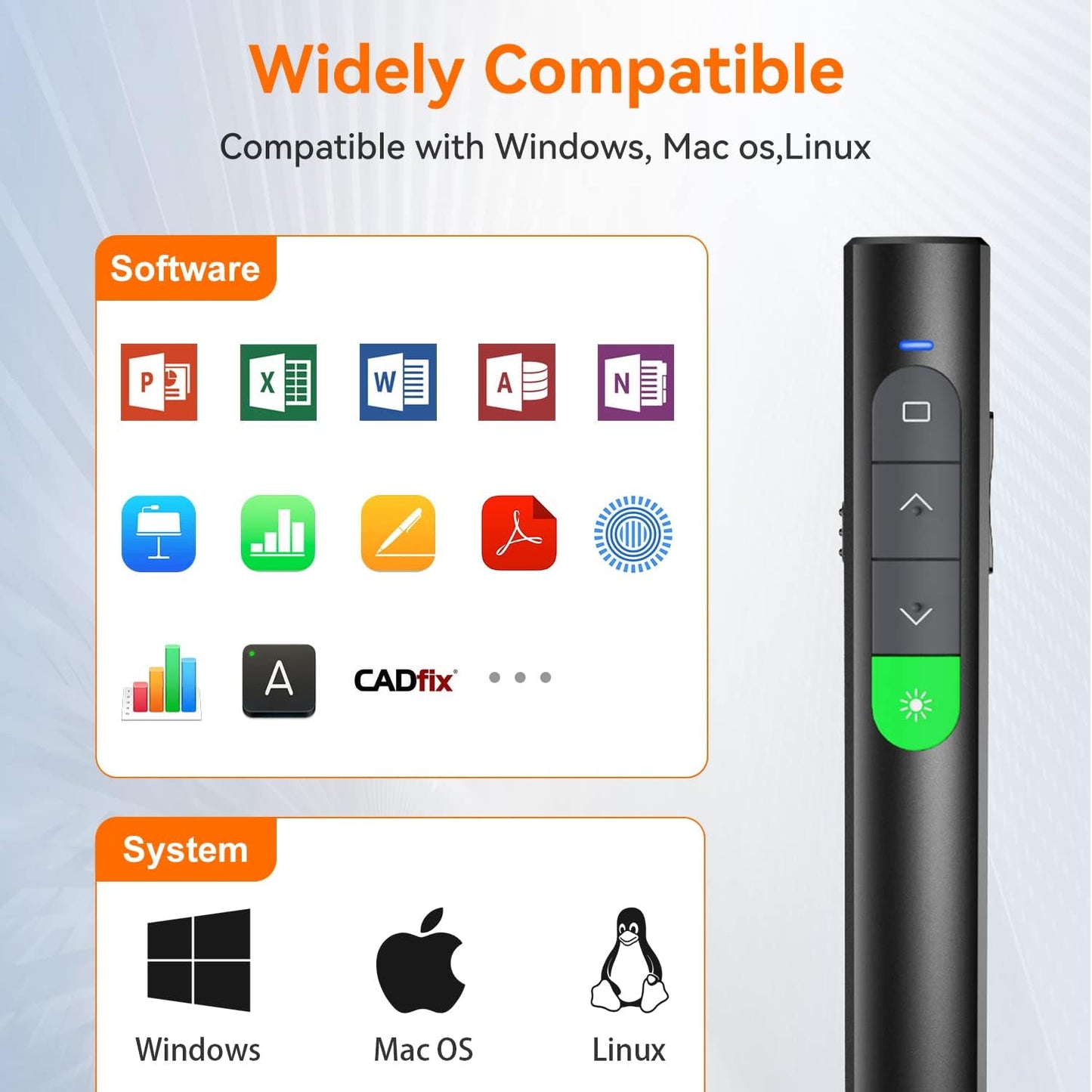
- [Easy to Use] No drivers required. Just plug into the USB dongle,then start clicking. Presentation clicker with laser pointer supports systems: Windows 2003, XP, Vista, 7, 8, 10, Mac OS, Linux; supports softwares: Keynote, Google Slides, MS Word, Excel, PowerPoint, Website, PDF.
- [Bright Green Laser Pointer for Presentations ] Clicker for PowerPoint presentations has a long control distance. Wireless Distance: 98FT/30M, powerpoint clicker Green Laser Pointer Range: 328FT/100M.
- [Universal Compatibility] PPT/Slide clicker support systems: Windows 2003, XP, Vista, 7, 8, 10, Mac OS, Linux. Computer clicker for presentations support software: Keynote, Google Slides, MS Word, Excel, PowerPoint, etc.( recommended for LED, LCD, TV screens ).
- [Compact Design] The size of slide advancer is similar to a pen. Weight: 33g. You can easily put your power point remote clicker with laser in your pocket or bag. Tips: USB dongle is stored at the bottom of the presentation remote by magnetism, which can prevent losing your USB dongle perfectly.
- [No Delay to Control] Wireless presenter remote with laser pointer can seamless switching, which makes your classes more coherent and your students more focused and engaged. Of course, if it's a very important meeting or presentation, decent presentations will make you a more attractive person.
Share

Blog Posts
View all-
How the Right Pen Can Improve Your Focus at Work
How the Right Pen Can Improve Your Focus at Work In a modern office environment, focus is one of the most valuable skills. While digital tools dominate many workflows, writing...
How the Right Pen Can Improve Your Focus at Work
How the Right Pen Can Improve Your Focus at Work In a modern office environment, focus is one of the most valuable skills. While digital tools dominate many workflows, writing...
-
The Best Pens and Stationery for Every Office Task
When it comes to office tasks, having the right tools can make all the difference. From taking notes in meetings to color-coding your calendar, the right pens and stationery can...
The Best Pens and Stationery for Every Office Task
When it comes to office tasks, having the right tools can make all the difference. From taking notes in meetings to color-coding your calendar, the right pens and stationery can...
-
How to Organize Your Desk for Maximum Focus
Are you struggling to stay focused and productive at your desk? The key to maximizing your productivity lies in how you organize your workspace. By implementing a few simple strategies,...
How to Organize Your Desk for Maximum Focus
Are you struggling to stay focused and productive at your desk? The key to maximizing your productivity lies in how you organize your workspace. By implementing a few simple strategies,...